This video does not contain audio
Fighting For Those on the Frontlines
The IAFF is one of the largest and most influential labor unions in North America. We are committed to advancing the rights, safety, and future of fire fighters, emergency medical workers, and rescue workers across the United States and Canada.
Our commitment
Over a century of service
The International Association of Fire Fighters represents over 344,000 full-time professional fire fighters and emergency medical workers in 3,500 affiliates across the United States and Canada. Our members proudly protect more than 85% of the population of our two great nations.
A Legacy of Action
We speak truth to power and give our members a voice and vote. We are your advocates, your champions, and your partners in Washington and in Ottawa. The IAFF will continue to confront head-on the most complex issues our members face with one simple goal: doing what is best for fire fighters and emergency medical workers.
Our Priorities
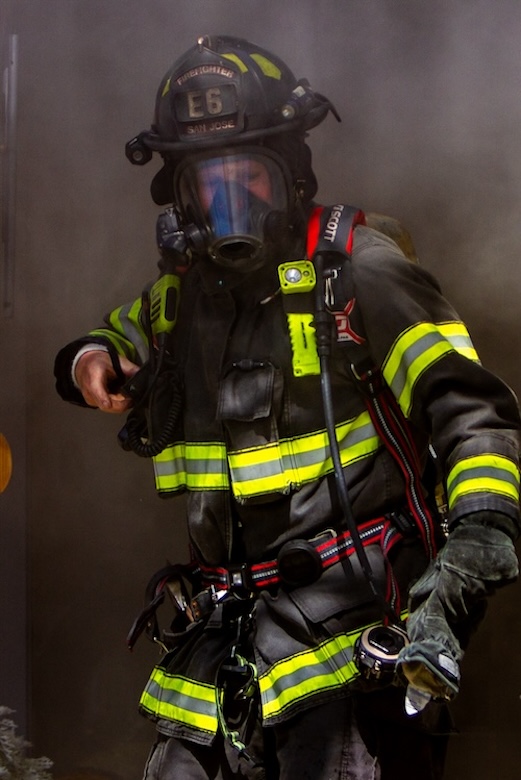
Safety & Protection
Fire fighters have a dangerous job. We work to make it safer. Learn what tools, resources, and support are available to protect you and your family.
Presumptive Health
Fire fighters are at a greater risk for cancer, heart and lung disease, and behavioral health conditions. Find out what presumptive coverage is available in your state or province.
Cancer
Job-related cancer is the leading cause of line-of-duty deaths in the fire service. Learn what we are doing to combat this deadly disease.
Bargaining
Every worker deserves a voice at the table. Learn what the union is doing to secure local, state, and federal collective bargaining across the U.S.
Pay & Benefits
Navigating pension systems and choosing benefits can be daunting.
Our union is here to help, offering assistance for members and affiliate leaders.
Line-of-Duty Deaths
Honoring their memories, celebrating their lives
Courtney S. Padgett
L4576
New Hanover County Professional Fire Fighters Association, NC
Date of Death • 24 Apr 24
Date of Funeral • 29 Apr 24
Jeffery Huggins
L1365
Orlando Professional Fire Fighters, FL
Date of Death • 16 Apr 24
Date of Funeral • 22 Apr 24
Heath O’Shea
L0122
Jacksonville Association of Fire Fighters, FL
Date of Death • 13 Apr 24
Date of Funeral • 22 Apr 24
Upcoming Events

August 25-30, 2024
Convention 2024
Every two years, fire fighters, rescue workers, and emergency medical workers from across the United States and Canada gather at the IAFF Convention. Our power is our voice, and Convention is where members vote on resolutions and constitutional amendments that shape the future of our profession and our great union
Training
Investing in Our Members
Wildfire Training
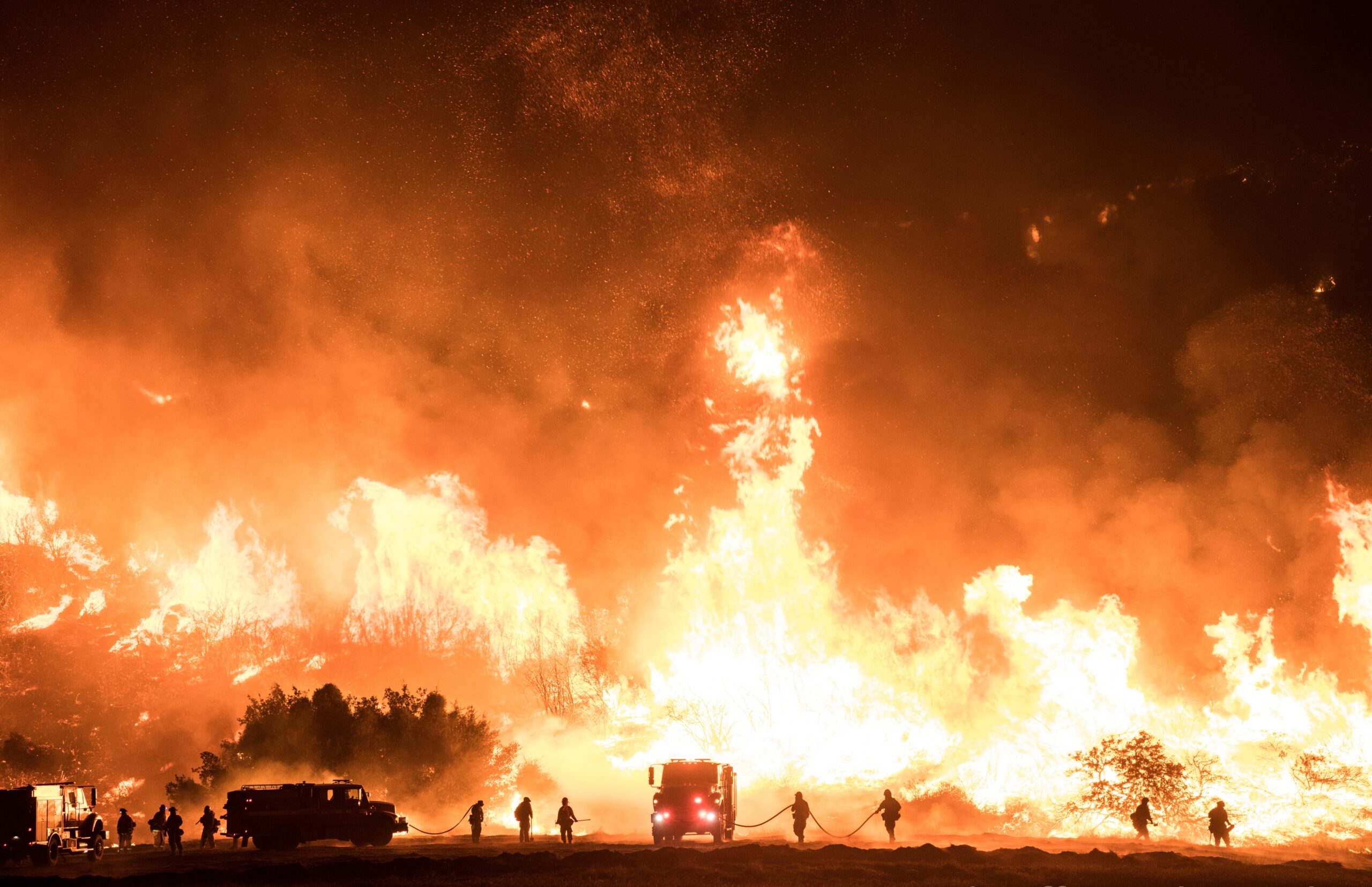
Wildfires are no longer a seasonal or regional threat. The IAFF is training members to safely and effectively respond to the challenges of wildland and urban interface fires across the United States and Canada.
HazMat
Every call is a potential HazMat call. Learn how to recognize hazardous materials, prevent or minimize exposure, and defensively control the incident.
Fire Ground Survival
The most comprehensive survival skills and Mayday prevention program currently available within the fire service.